
Hydrology Components
 Drainage Network
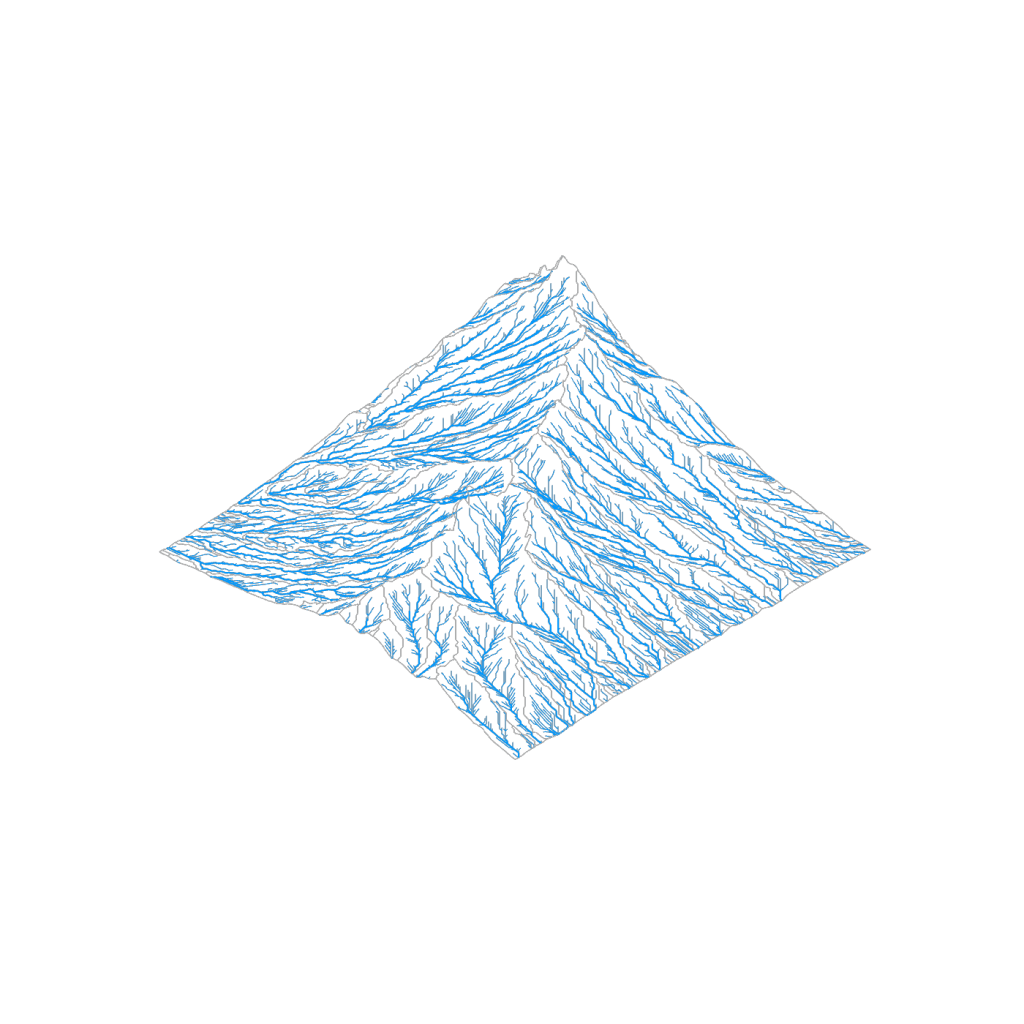
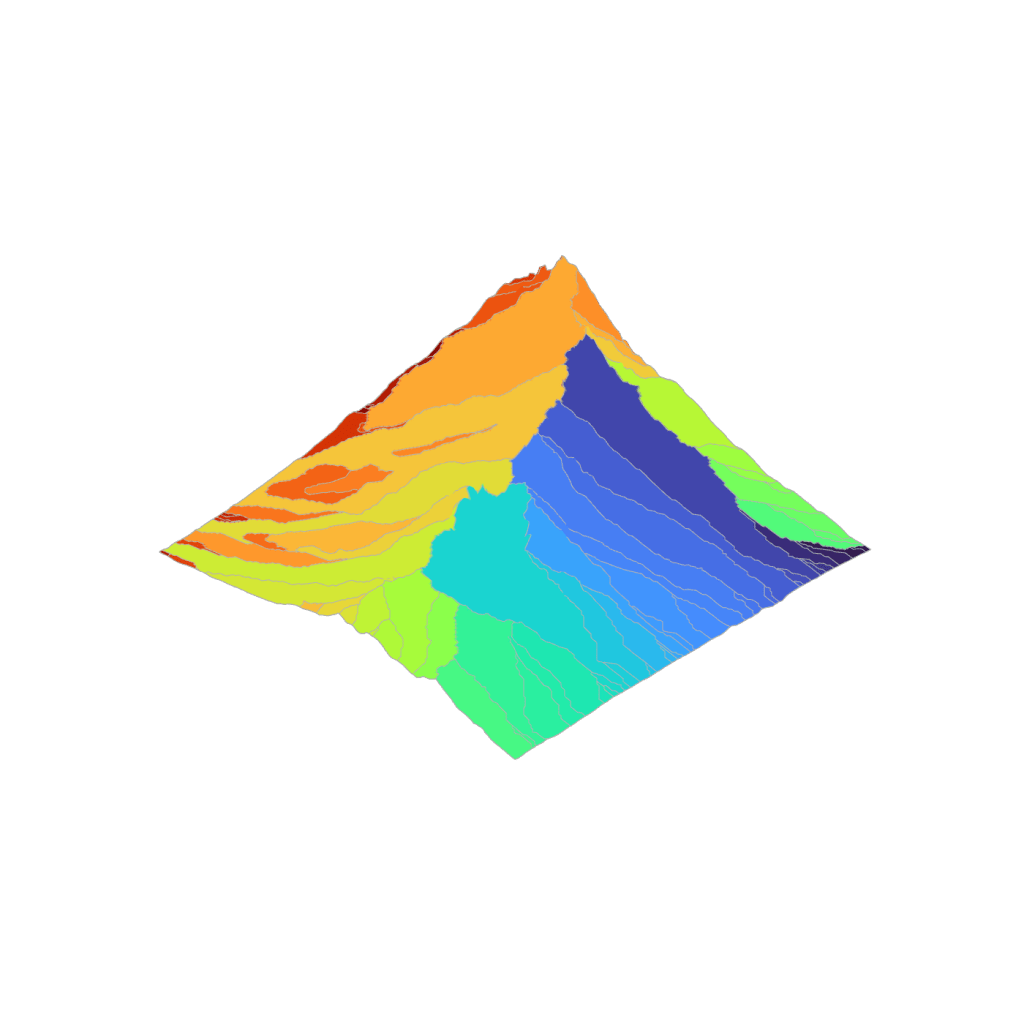
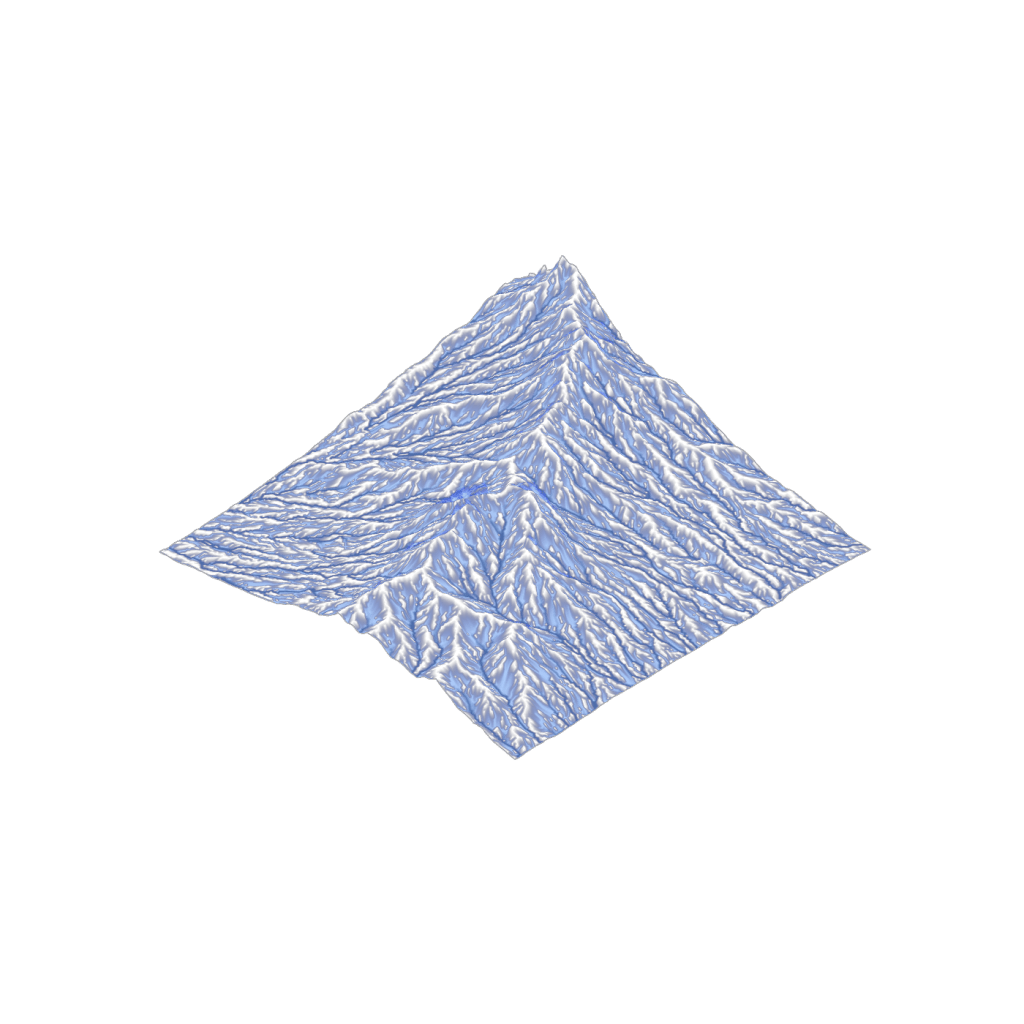
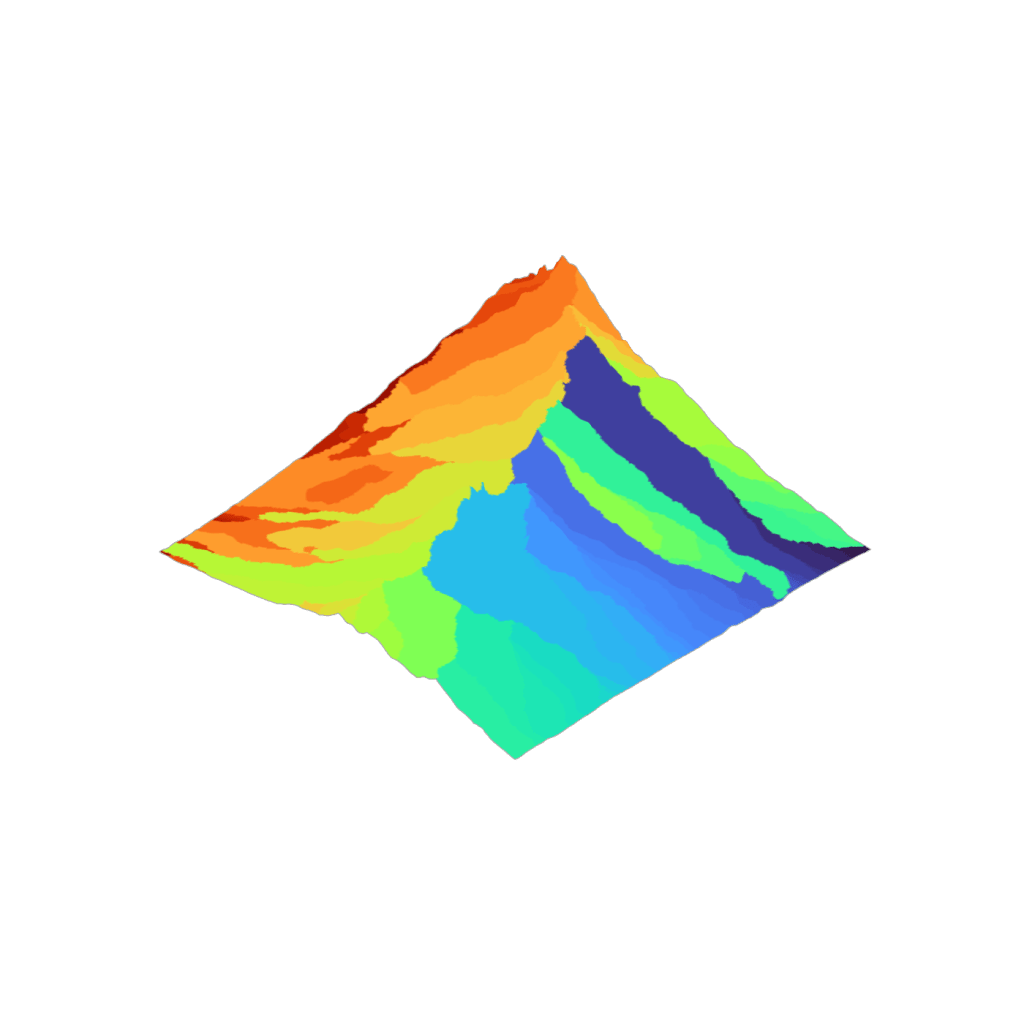
Calculates stream network (D8 method) and flow accumulation from Grid mesh. Assigns outlet vertices to divide mesh into catchments. Filters stream output and identifies subcatchments by minimum flow accumulation value.
 MFD Drainage Network
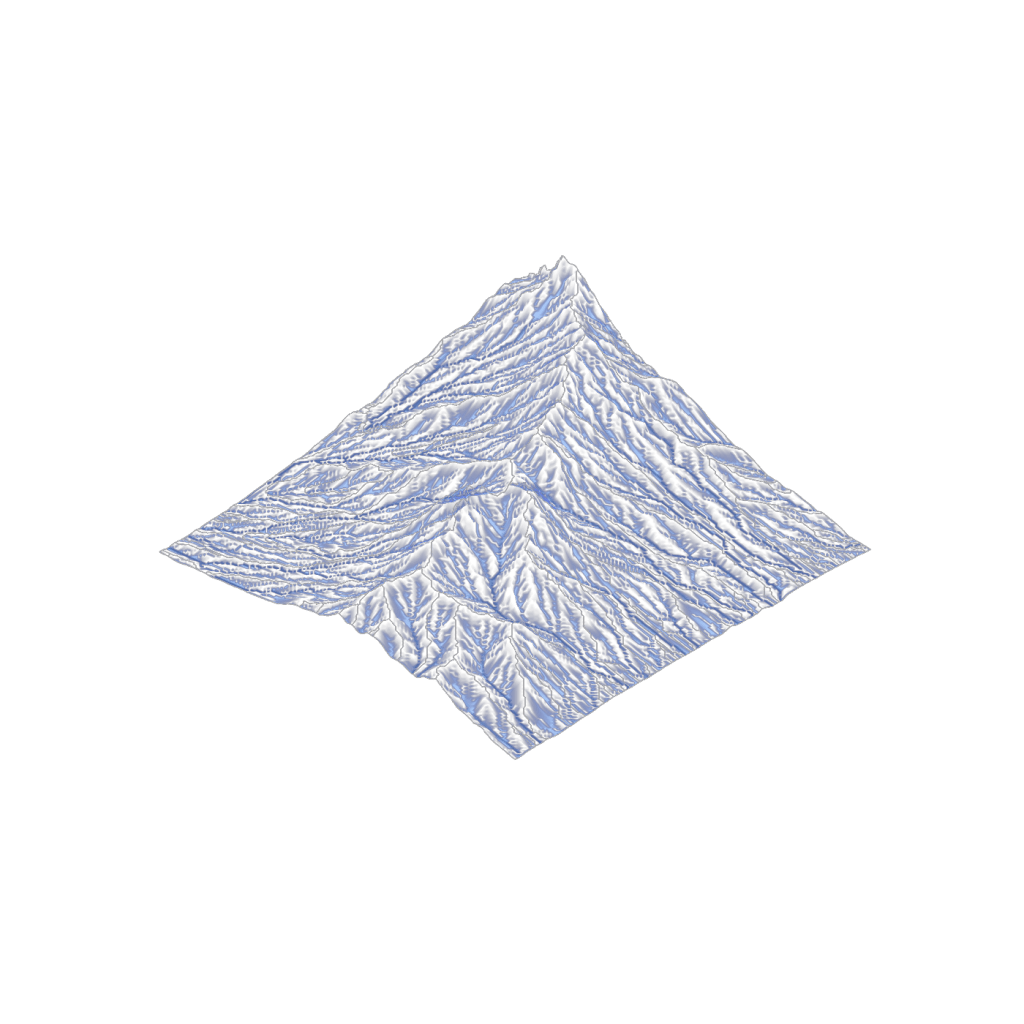
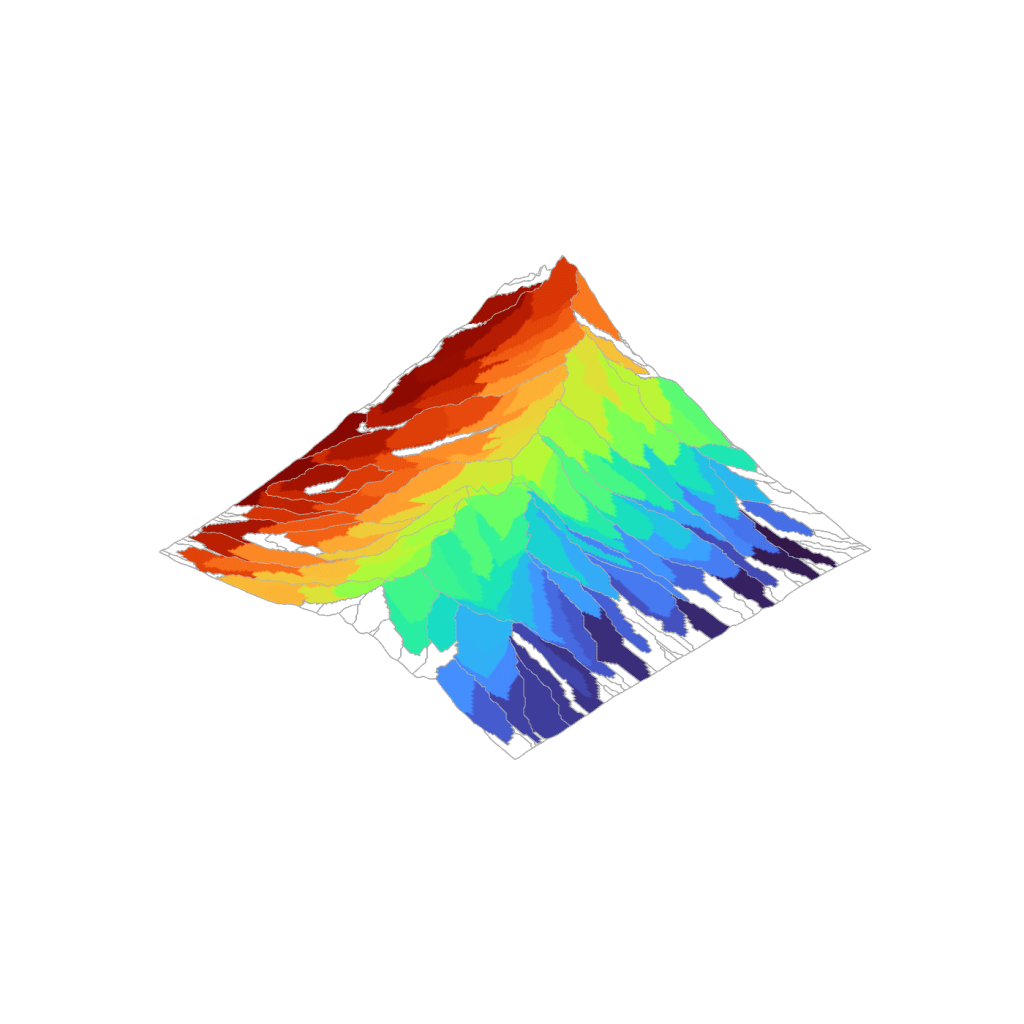
Calculates flow accumulation using MD8 method from a Grid mesh. Flow direction allows up to 2 flowlines per point, enabling drainage assessment on flow-diverging topography (positive concavity), like fans and hills.
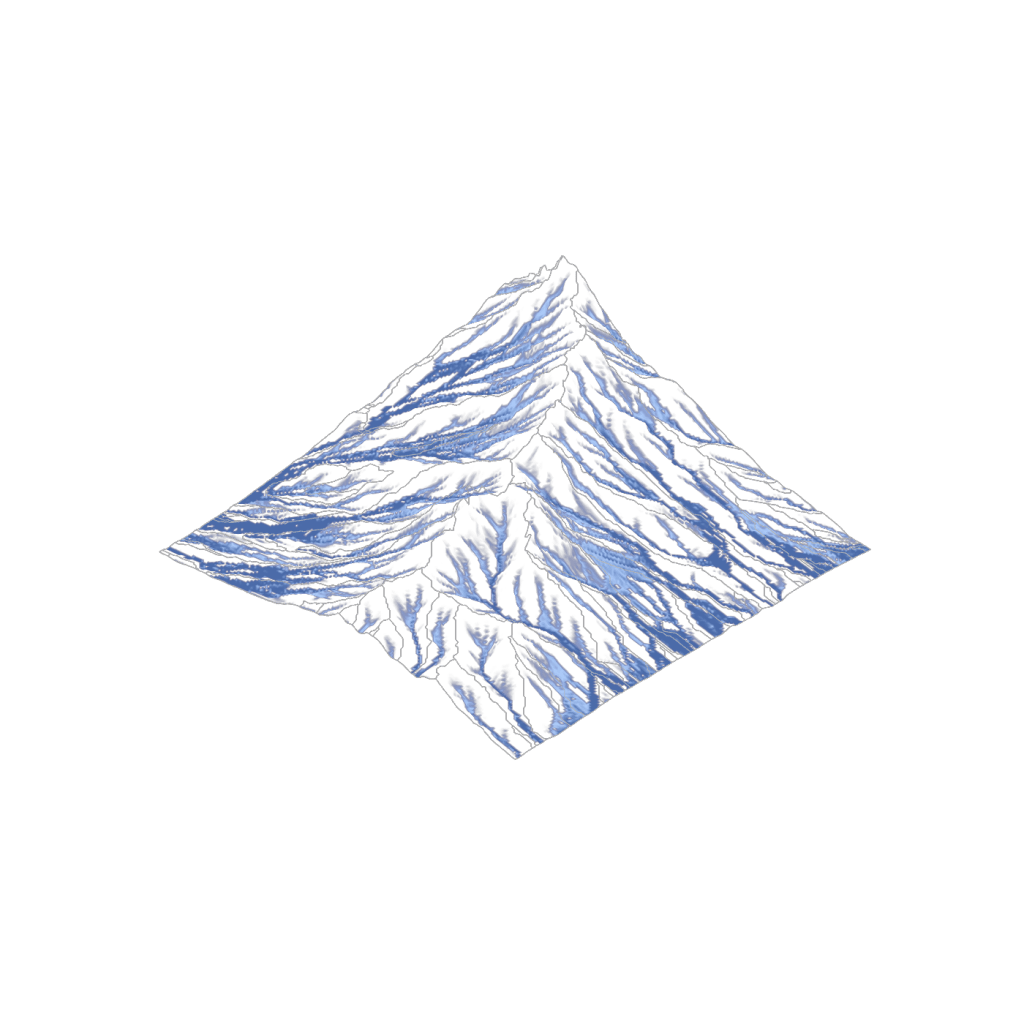
 Ridge Network
Generates closed polylines from ridge points around catchments. Consolidates drainage network outlets by finding overflow points along ridge network between adjacent catchments. Reassigned outlets can be used to map consolidated catchments.
 TIN Drainage Network
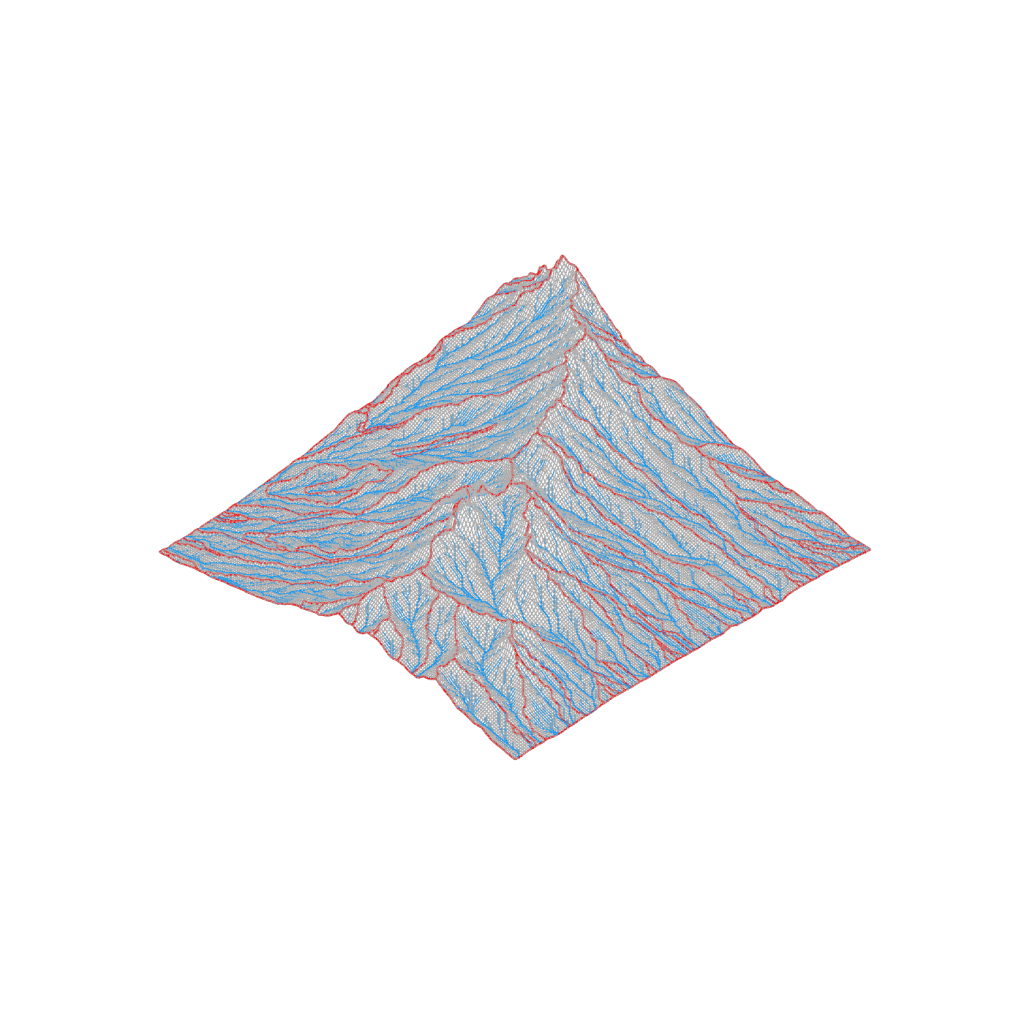
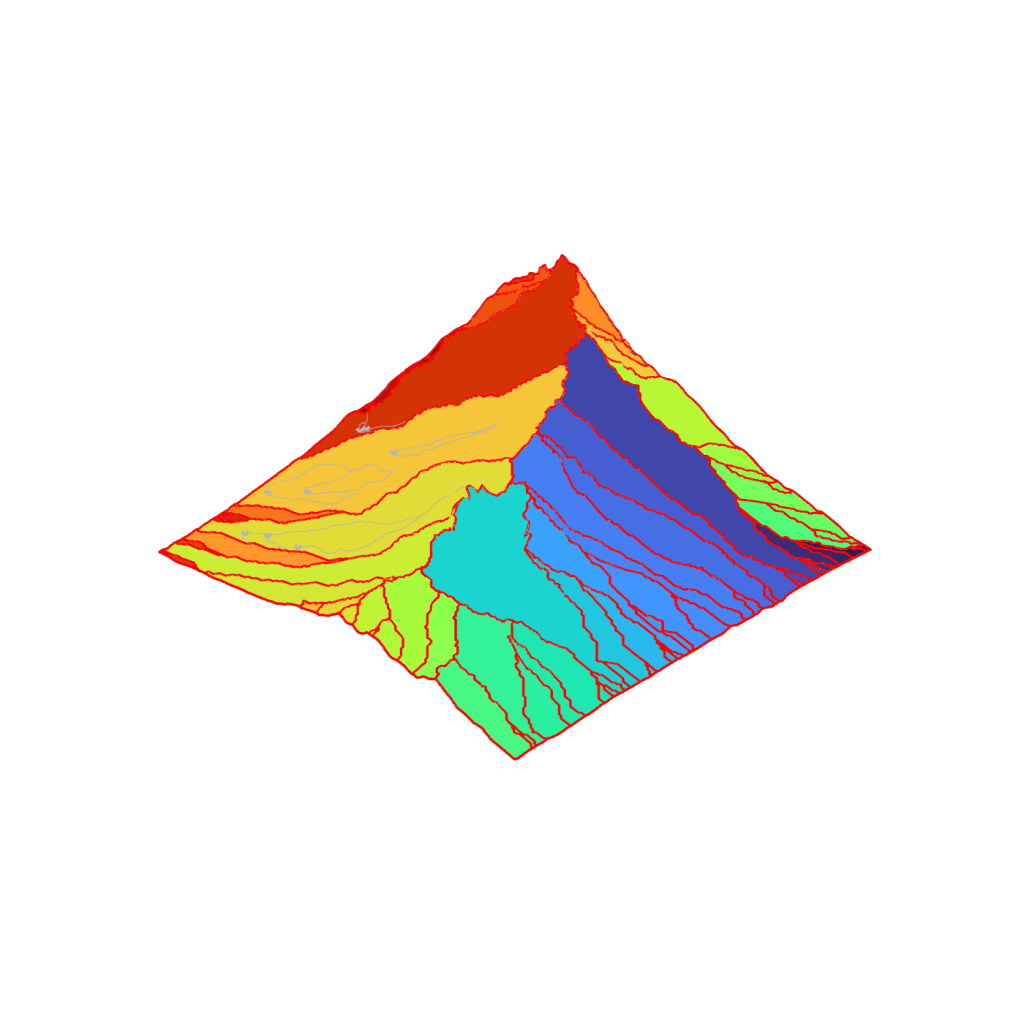
Calculates stream network (D8 method) and flow accumulation from TIN/Delaunay mesh. Assigns outlet vertices to divide mesh into catchments.
Topography Analysis Components
 Landform Classification (Geomorphons)
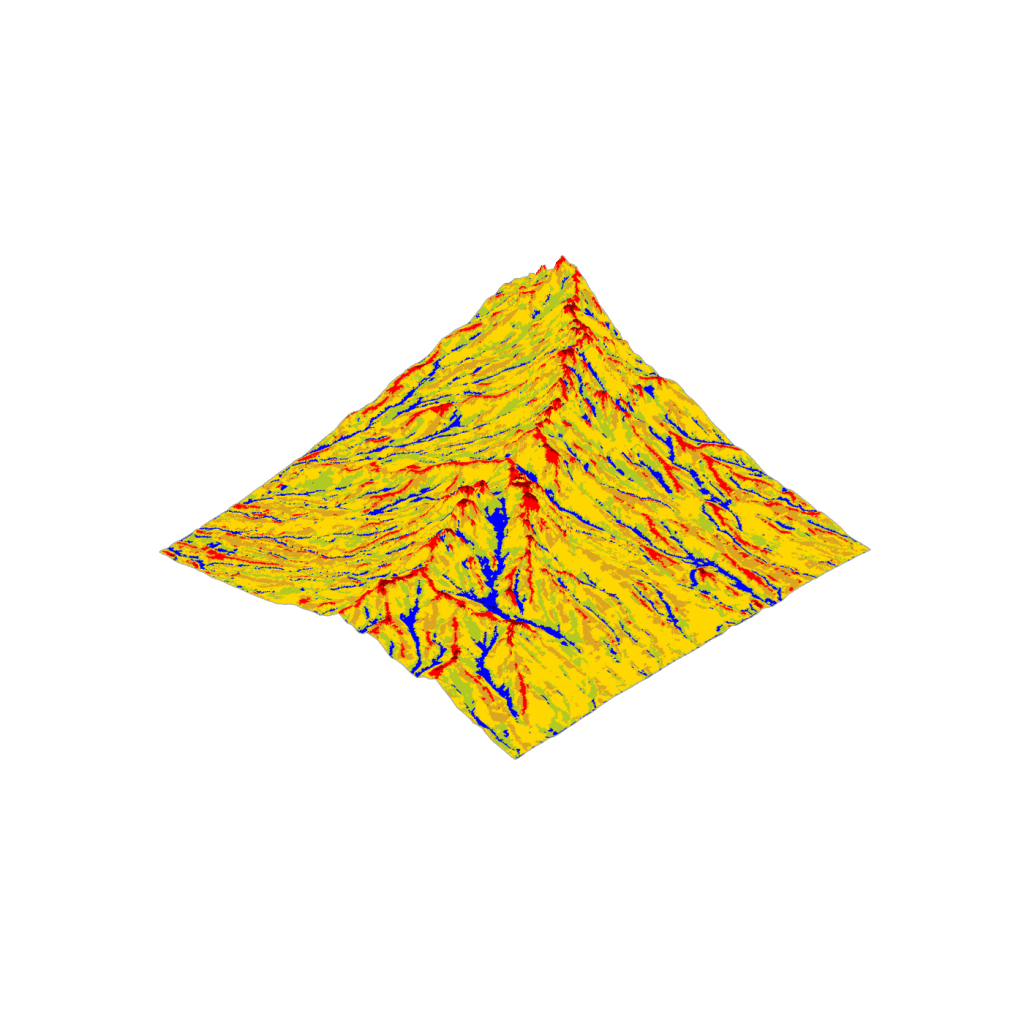
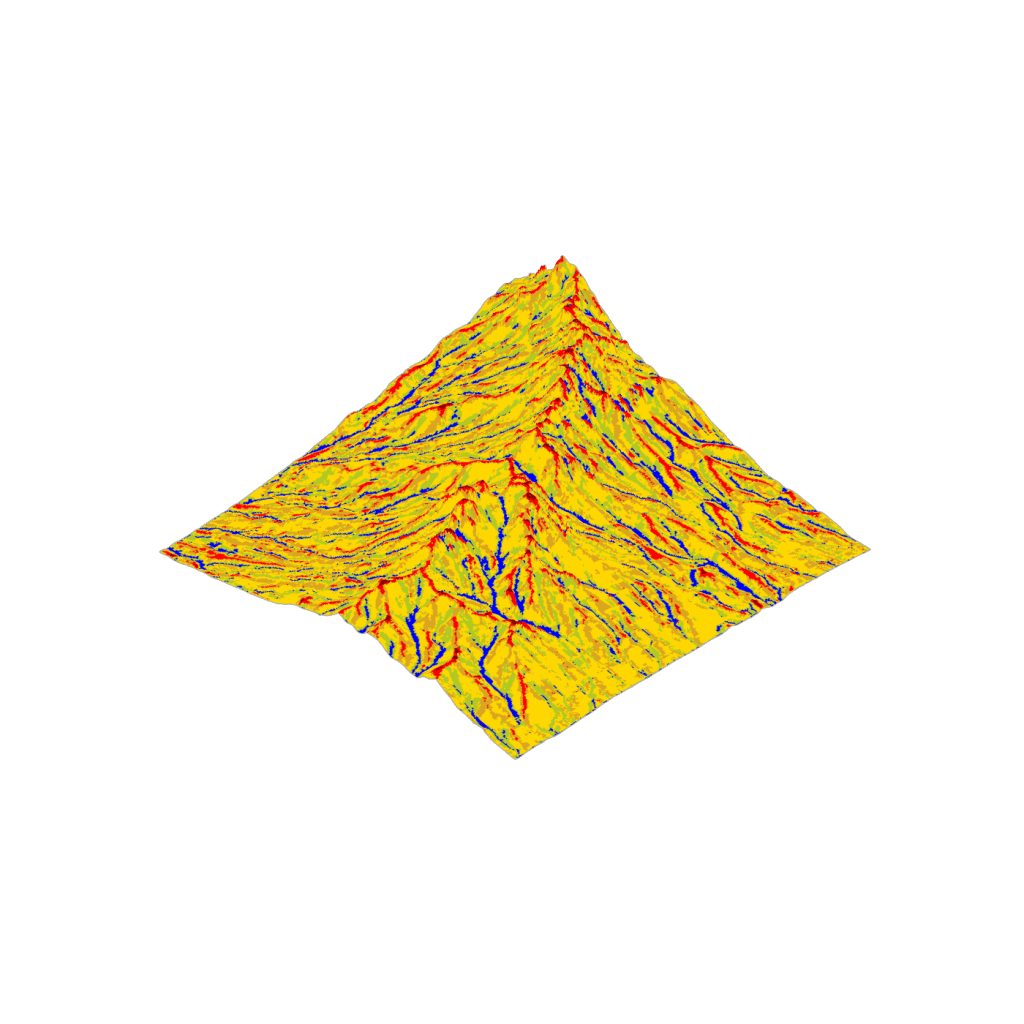
Classifies landform types using geomorphon approach (Jasiewicz & Stepinski, 2013). Landform classification is based on local curvature within a search window. Points within the window are sorted into 8 buckets by direction, then the point with maximum slope (positive or negative) is selected and compared to the slope threshold value. The quantity of buckets with slope exceeding the positive threshold value, minus those with slope below the negative threshold value, determines the landform type. Classification uses 10 landform types (Peak; Ridge; Shoulder; Spur; Flat; Slope; Footslope; Hollow; Valley; Basin).
 Viewshed from Point
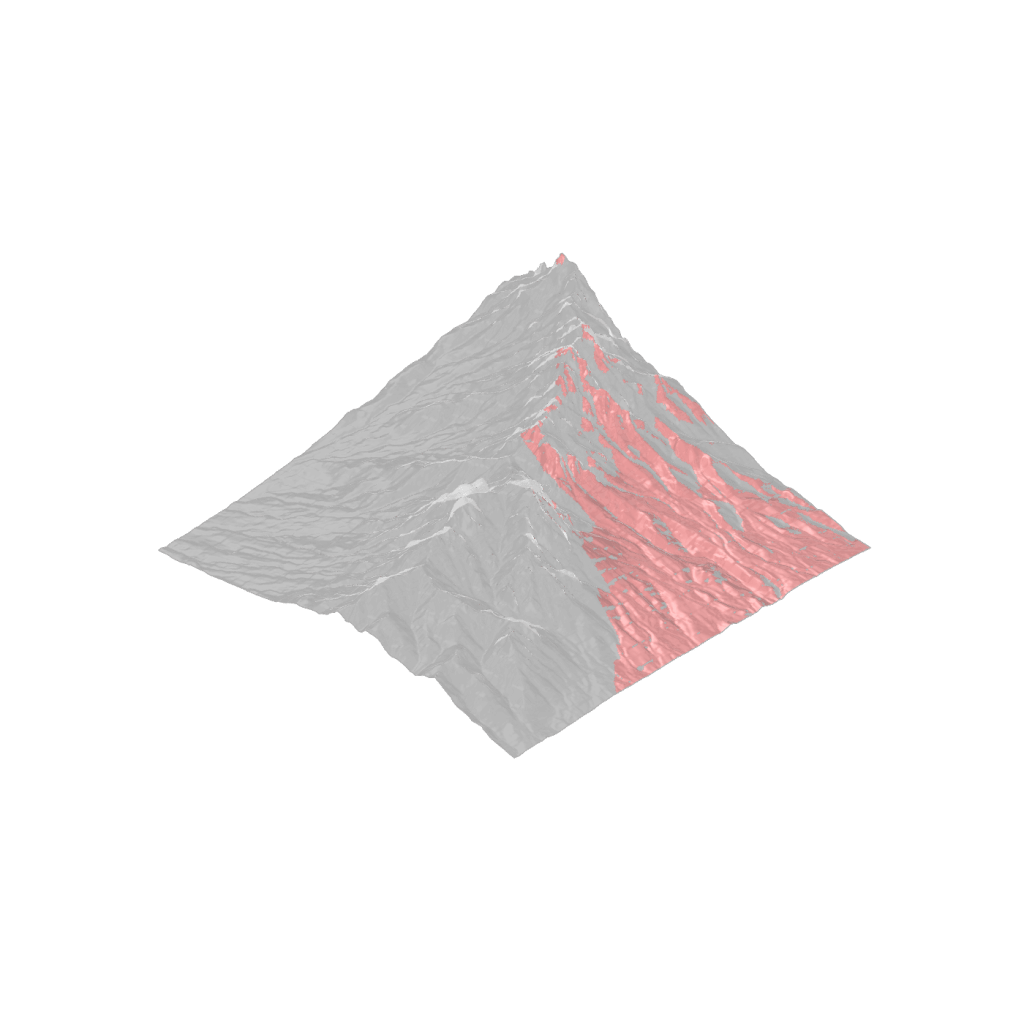
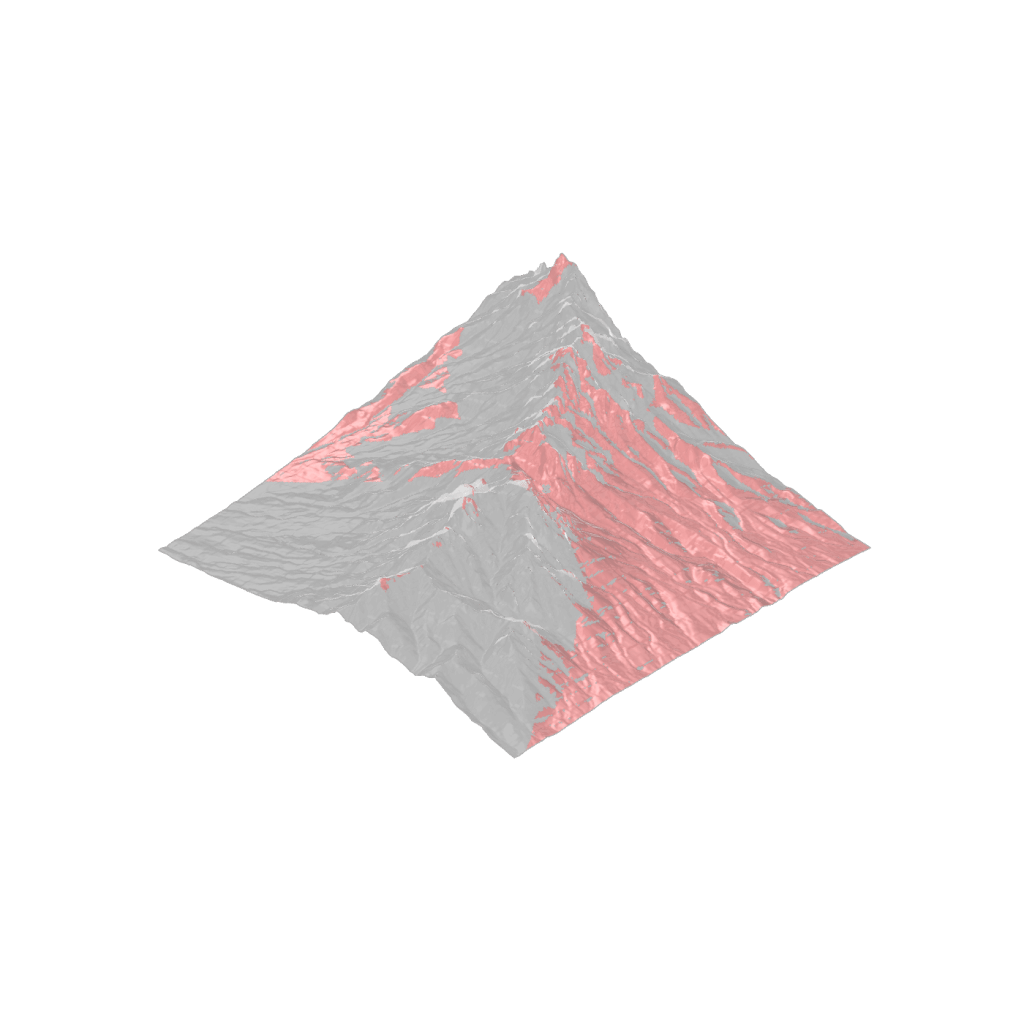
Calculates the viewshed from a search point based on view height and maximum distance. Triangulates quad mesh faces to ensure ray intersection accuracy.
 Viewshed Access Analysis
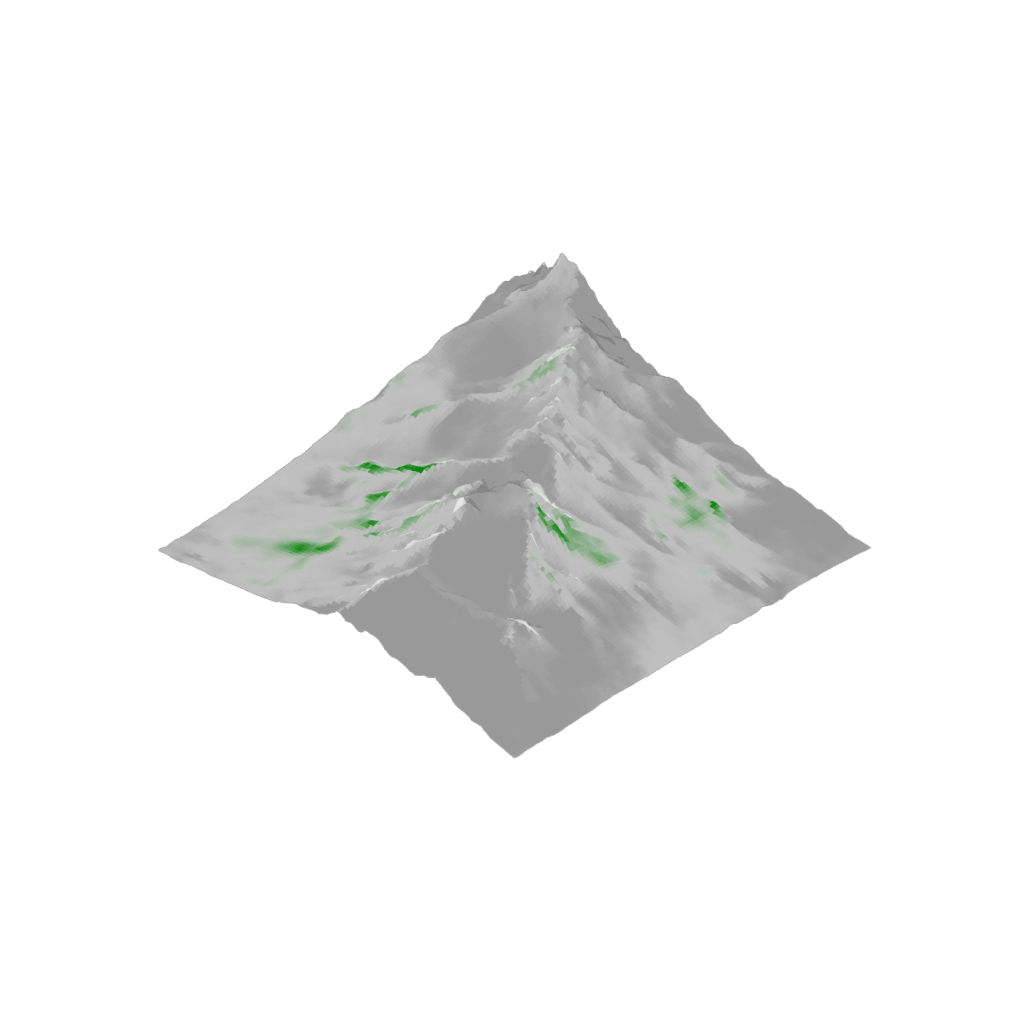
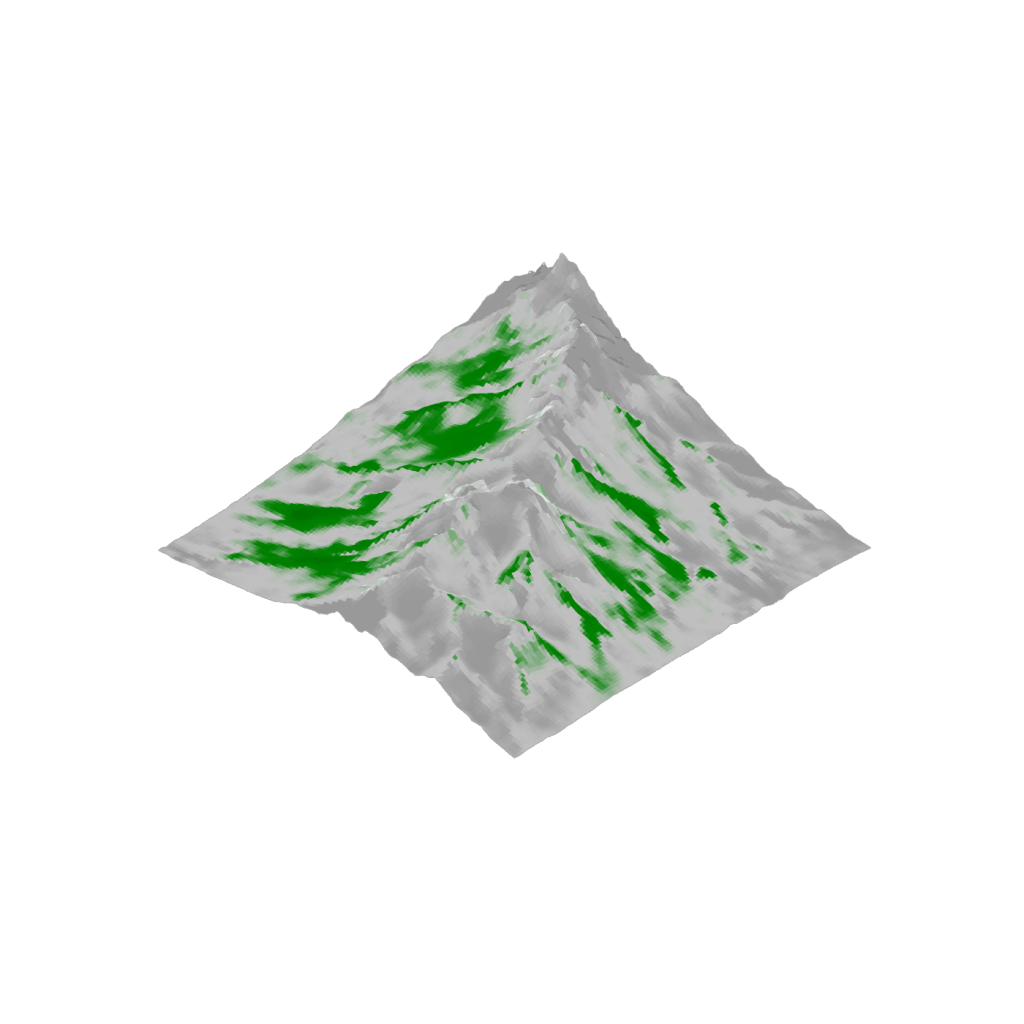
Calculates the viewshed from each mesh face or vertex at a set horizon distance. The proportion of visible points is returned. Points within horizon distance of context mesh boundary can show adjusted proportion to reflect the incomplete search window.
 Slope
Slope
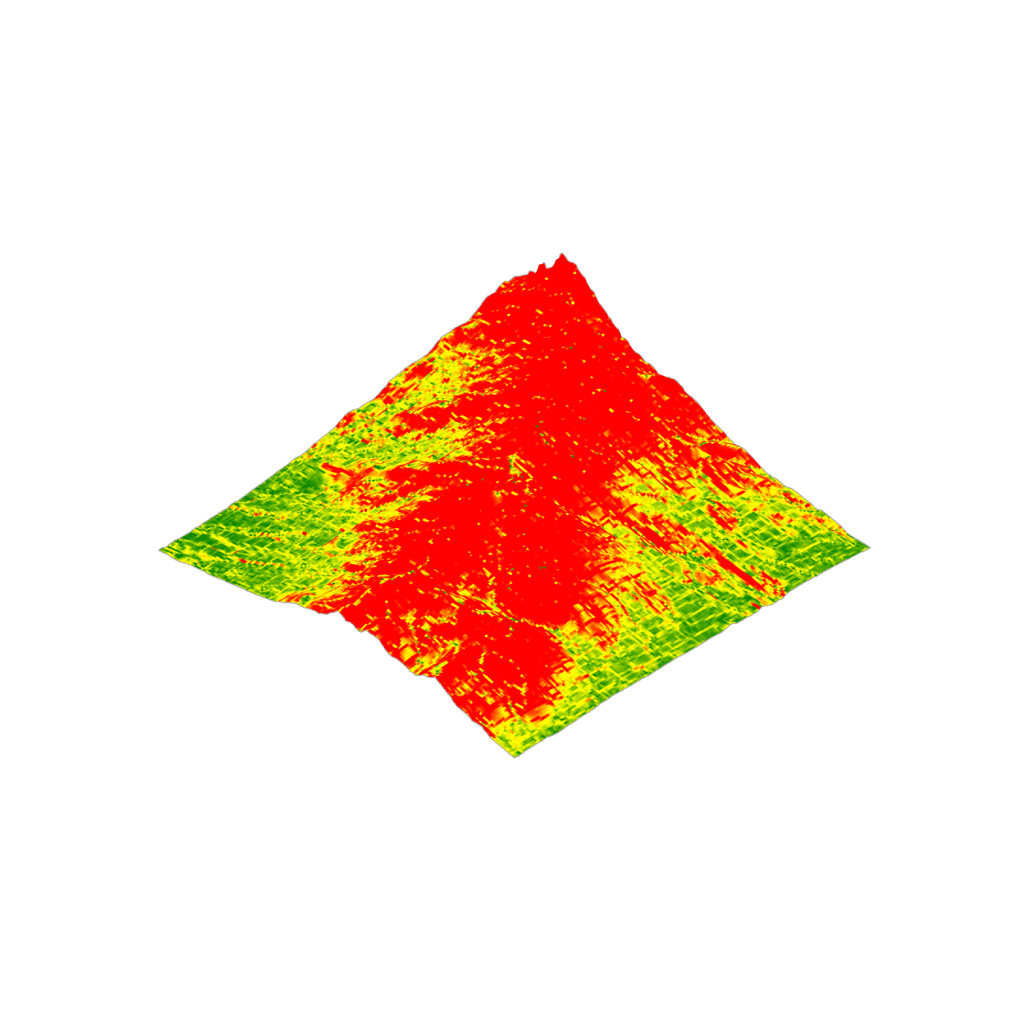
Calculates the slope of each mesh face as a percentage and degrees. Clips mesh to only include faces below percent slope threshold.
Topography Toolkit Components
 Import GeoTIFF
Imports a GeoTIFF DEM, building a Grid mesh by assigning a mesh vertex to each cell center at the cell elevation. Resamples the Grid mesh to a target resolution. Option to disable georeferencing (places mesh at origin). Using a projected CRS for GeoTIFF is recommended for best accuracy.
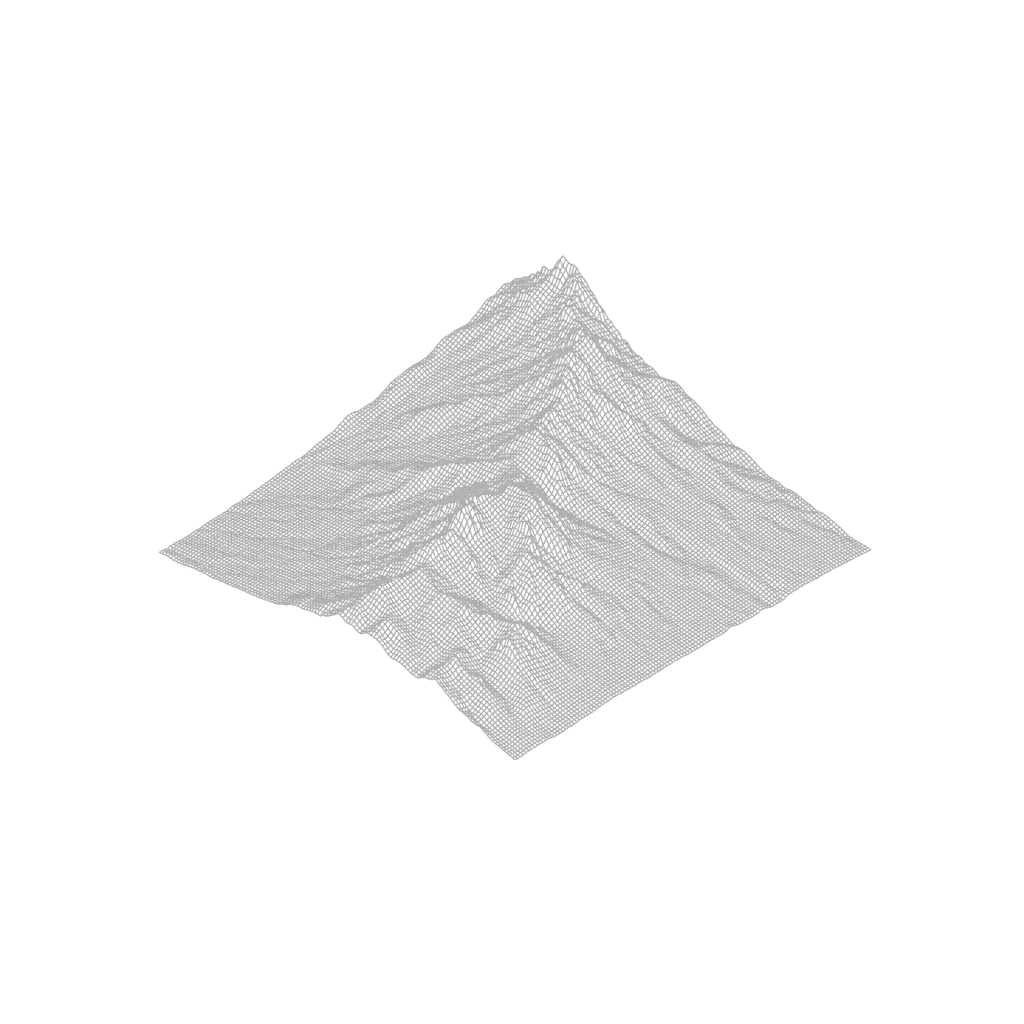
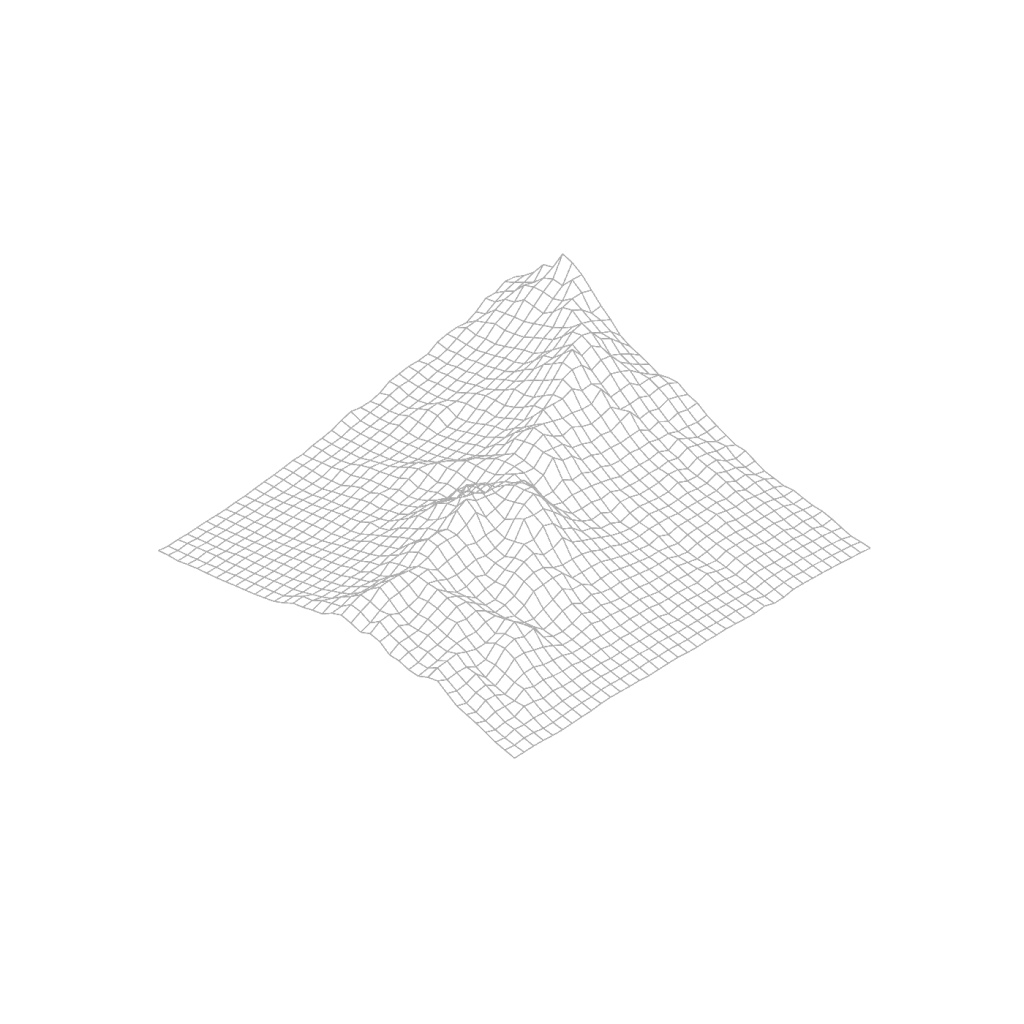
 Generate Grid Mesh
Samples an input mesh with a square grid of points, generating a grid mesh. Points beyond the input mesh match the elevation of the nearest mesh point.
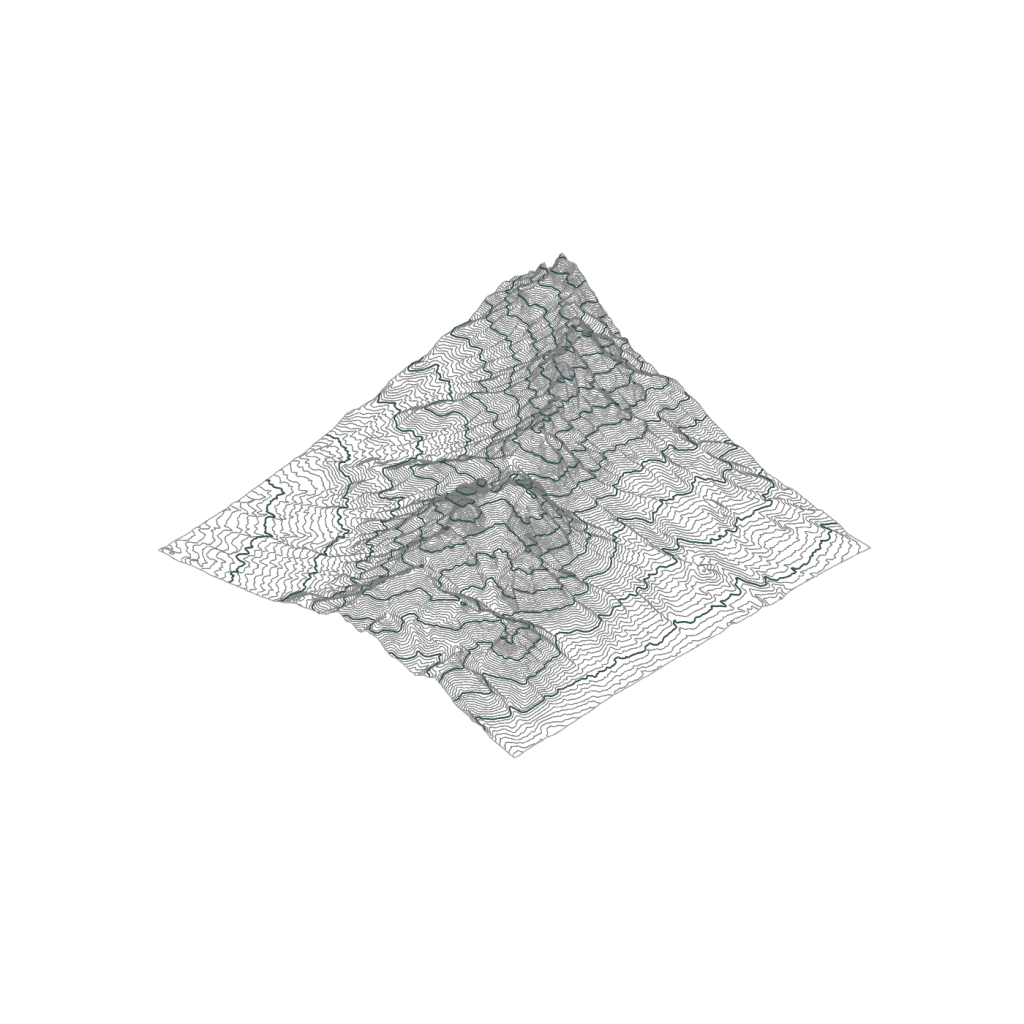
 Generate Mesh Contours
Generates major and minor contours from a mesh, with options to set interval size, major interval frequency, color and line weight of both contour sets.
 Display Mesh
Creates a display mesh that applies an input color list to each mesh face. Output mesh should not be used for further analyses as the component increases the mesh vertex count.
Grading Toolkit
 Curve Relative to Mesh
Sets the grade of input curves based on relative height to a mesh. Options to smooth curve elevation with a moving average and clamp to the curve end points.
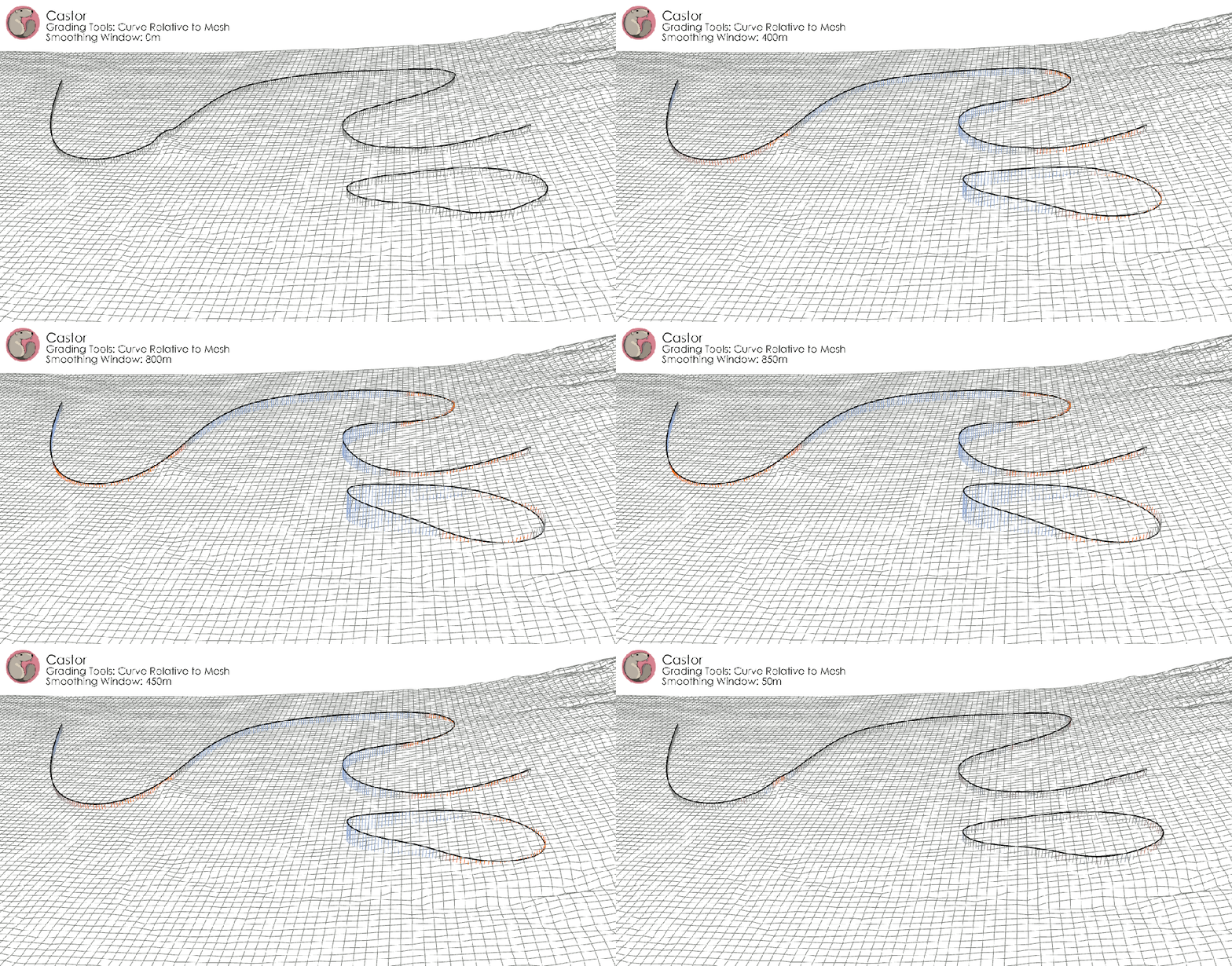
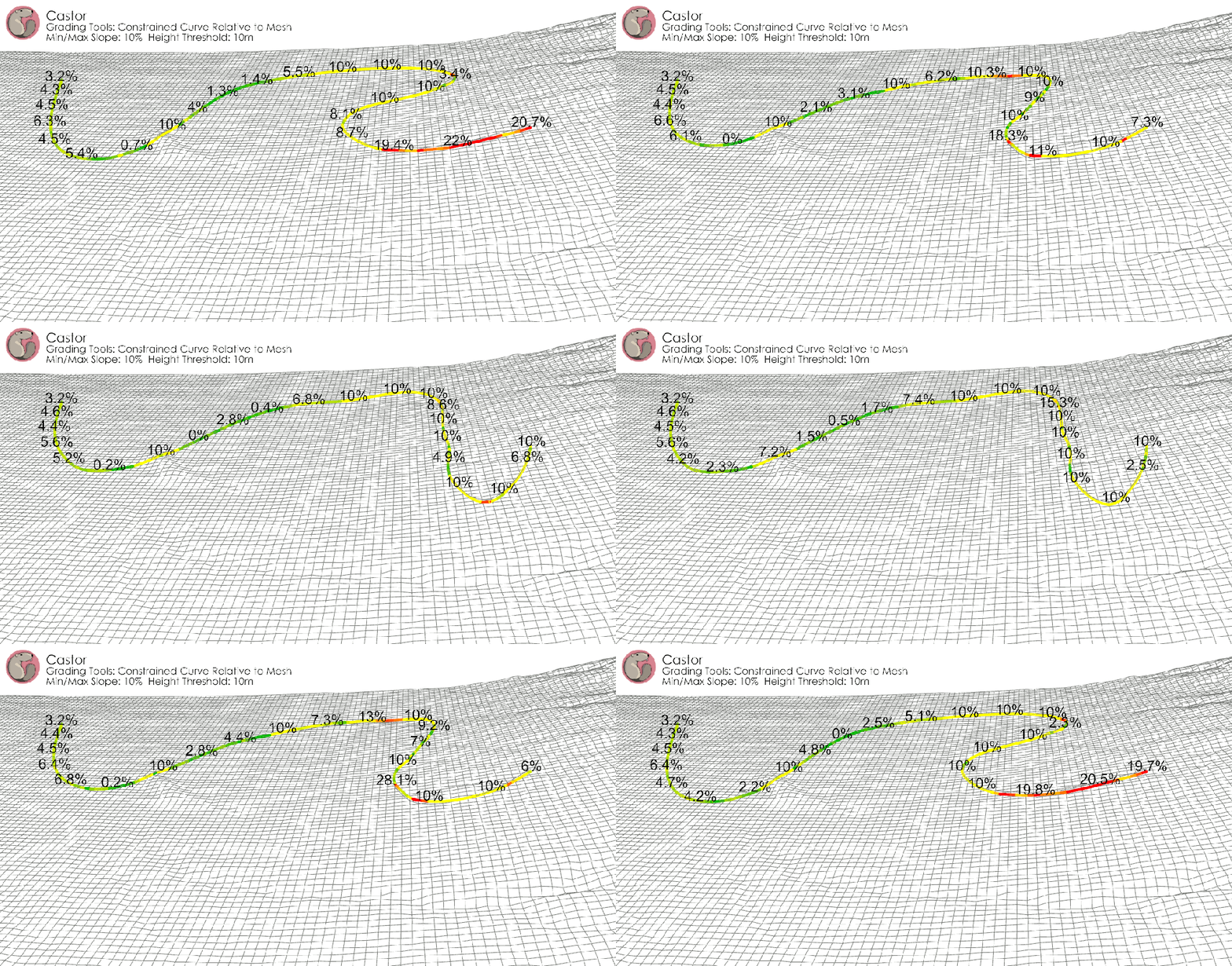
 Constrained Curve Relative to Mesh
Sets the grade of input curves based on relative height to a mesh. Constrain curve within a slope range and height threshold. Useful for designing trails, paths, channels and swales, building plots, and more.
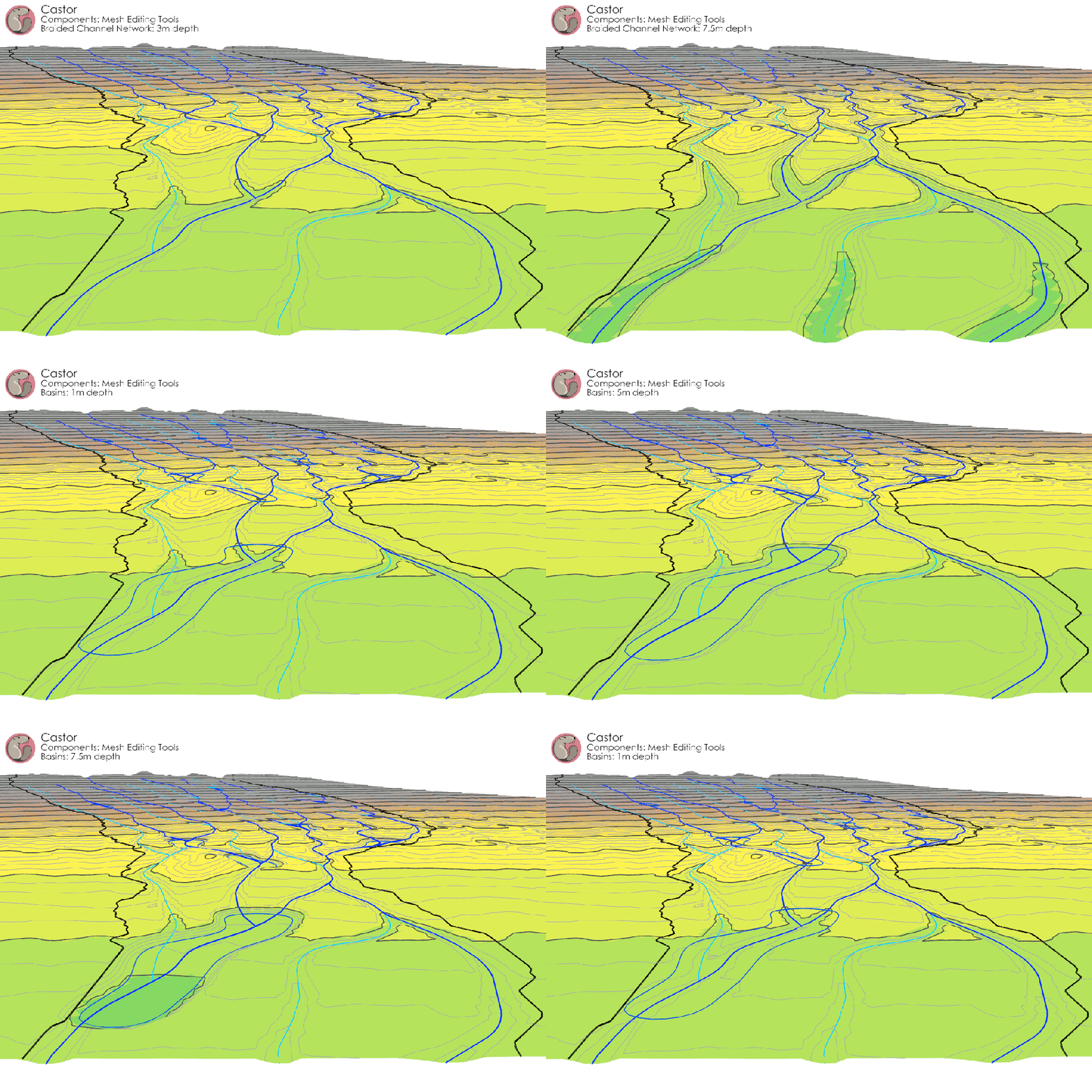
 Edit Mesh with Curves
Modifies a mesh to match the grade of an input curve, cutting and filling at the input slope angle. Options to allow cut operations, fill operations, or both.
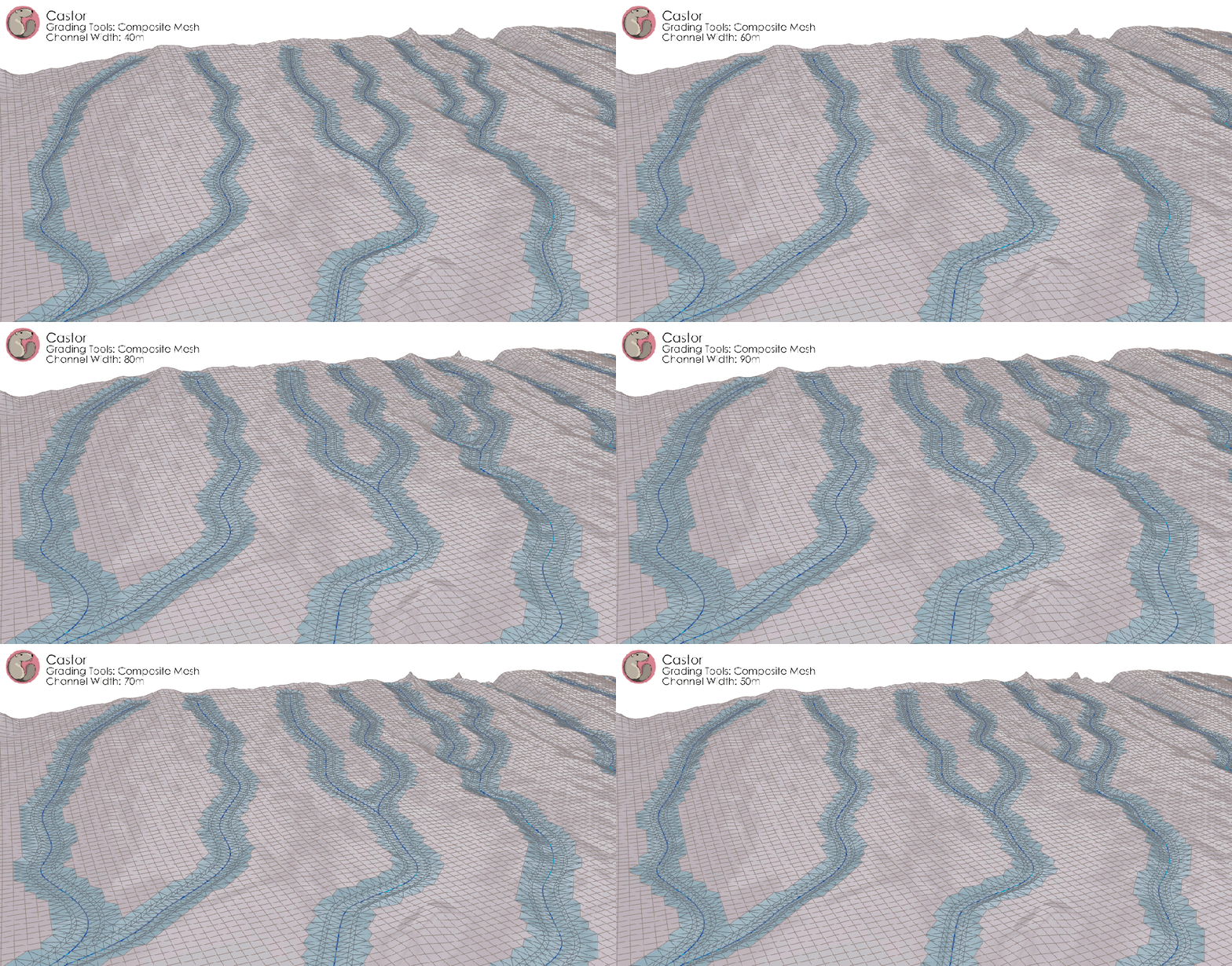
 Generate Composite Mesh
Combines a grid mesh with a TIN mesh representing input curves at a given spacing.
 Grade Curves (with Control Points)
Sets the elevation of input curves to match the elevation of Grading Control Points within a snapping radius.
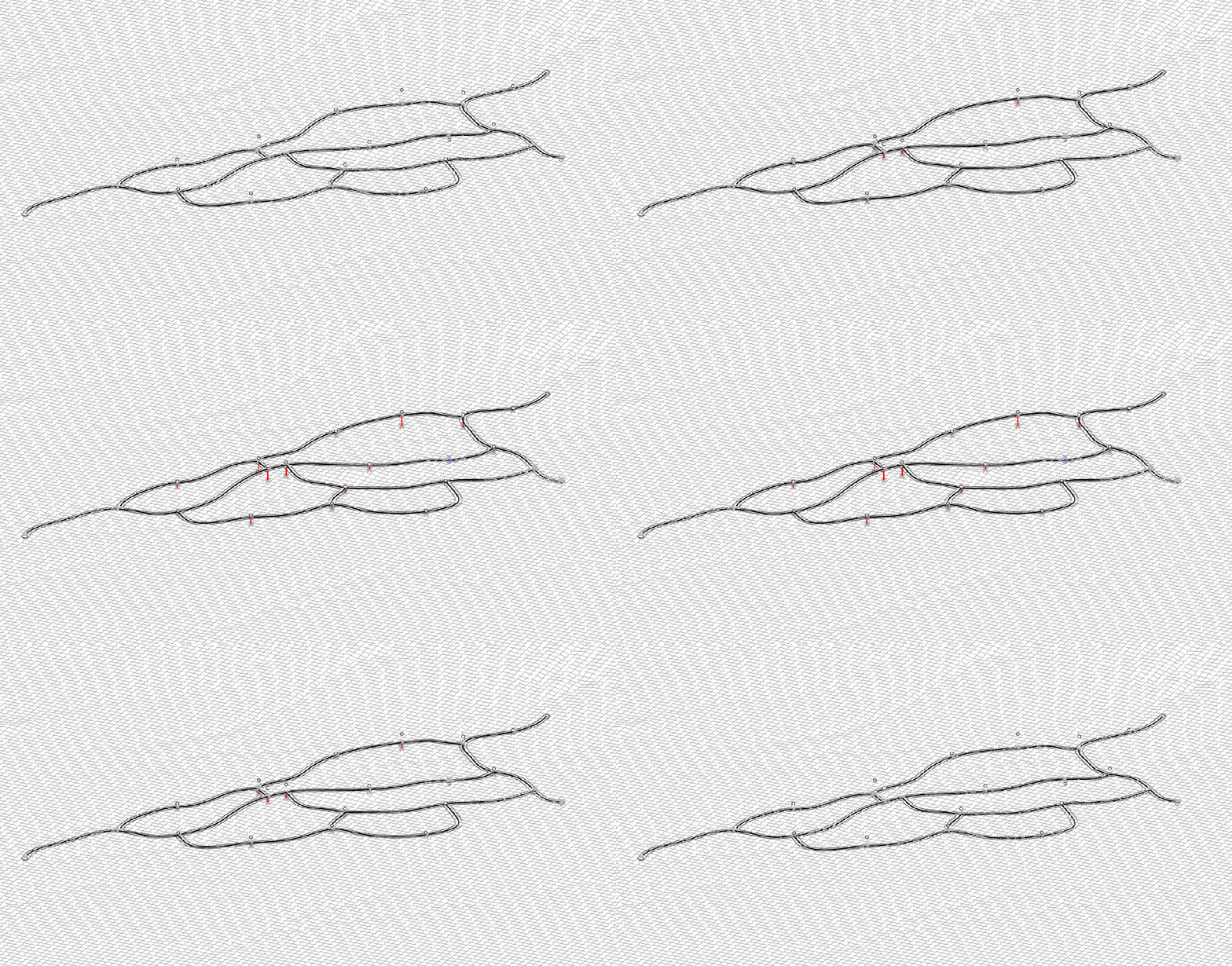
 Curve Relative to Curves
Sets the grade of input curves based on the grade of the nearest match curves. (Shown in above example)
 Castor